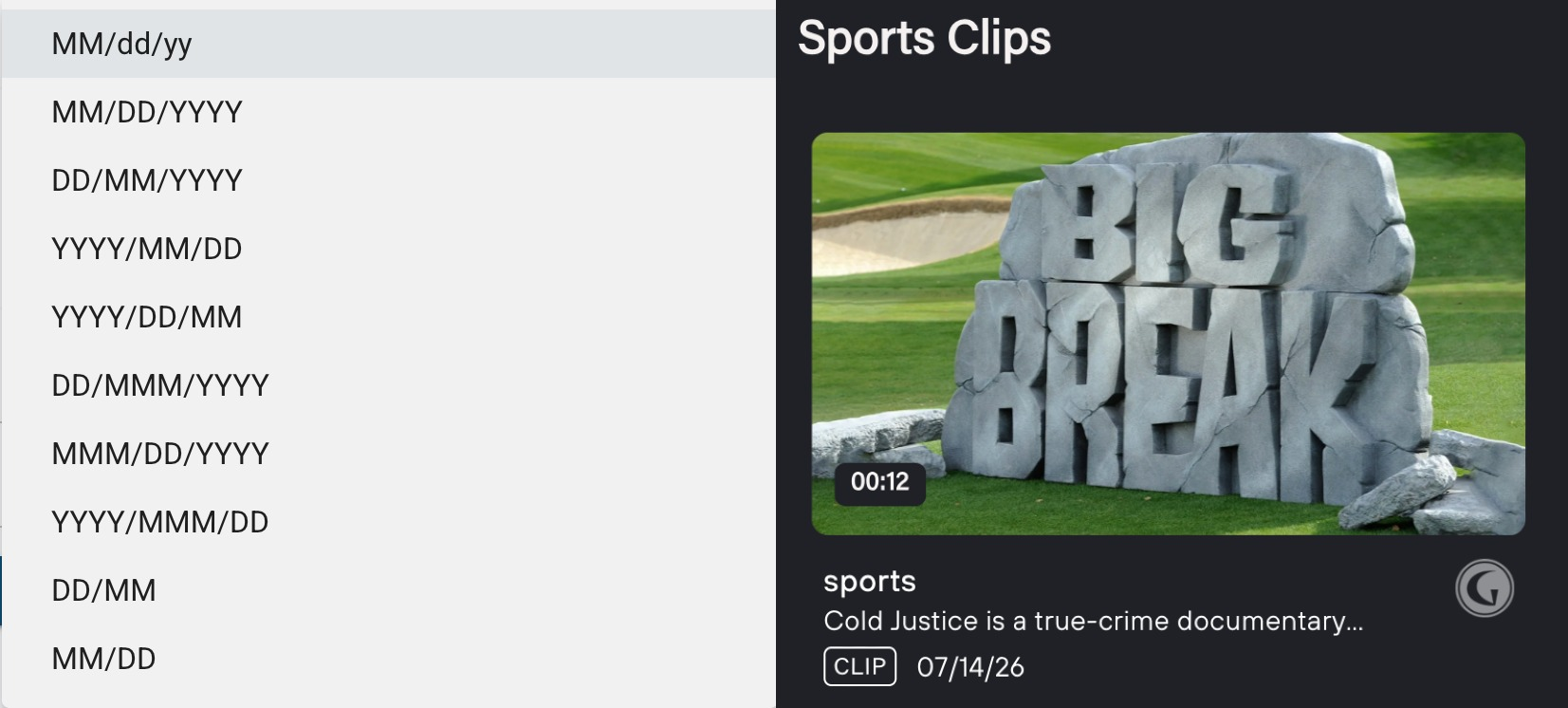
The Short-Form Video (SFVOD) feature enables the curation of short-form video content within trays on any page of the platform.
This functionality is currently supported through the following modules:
- VL Tray
- Video Detail
- Series Page (Show Detail Module)
Currently, the clips used in these modules include both series-based content and sports videos.
Tray Curation (VL Tray)
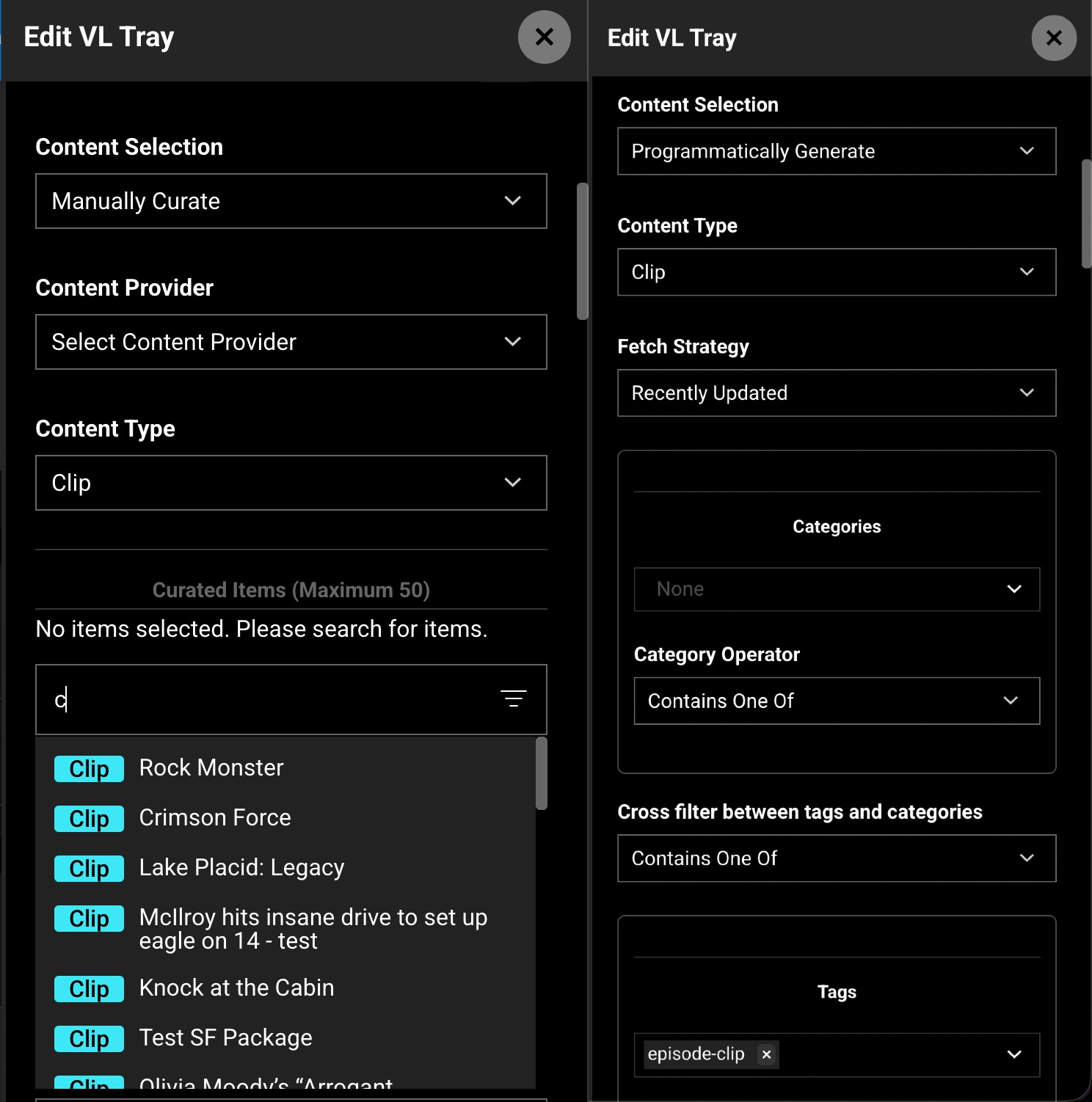
To set up this feature, add the "VL Tray" module. In Edit mode, configure the following:
- Content Selection: Choose between "Programmatically Generated" or "Manually Generated."
- Content Type: Select "Clips."
- Programmatic Selection: The tray is automatically populated with a curated mix of content.
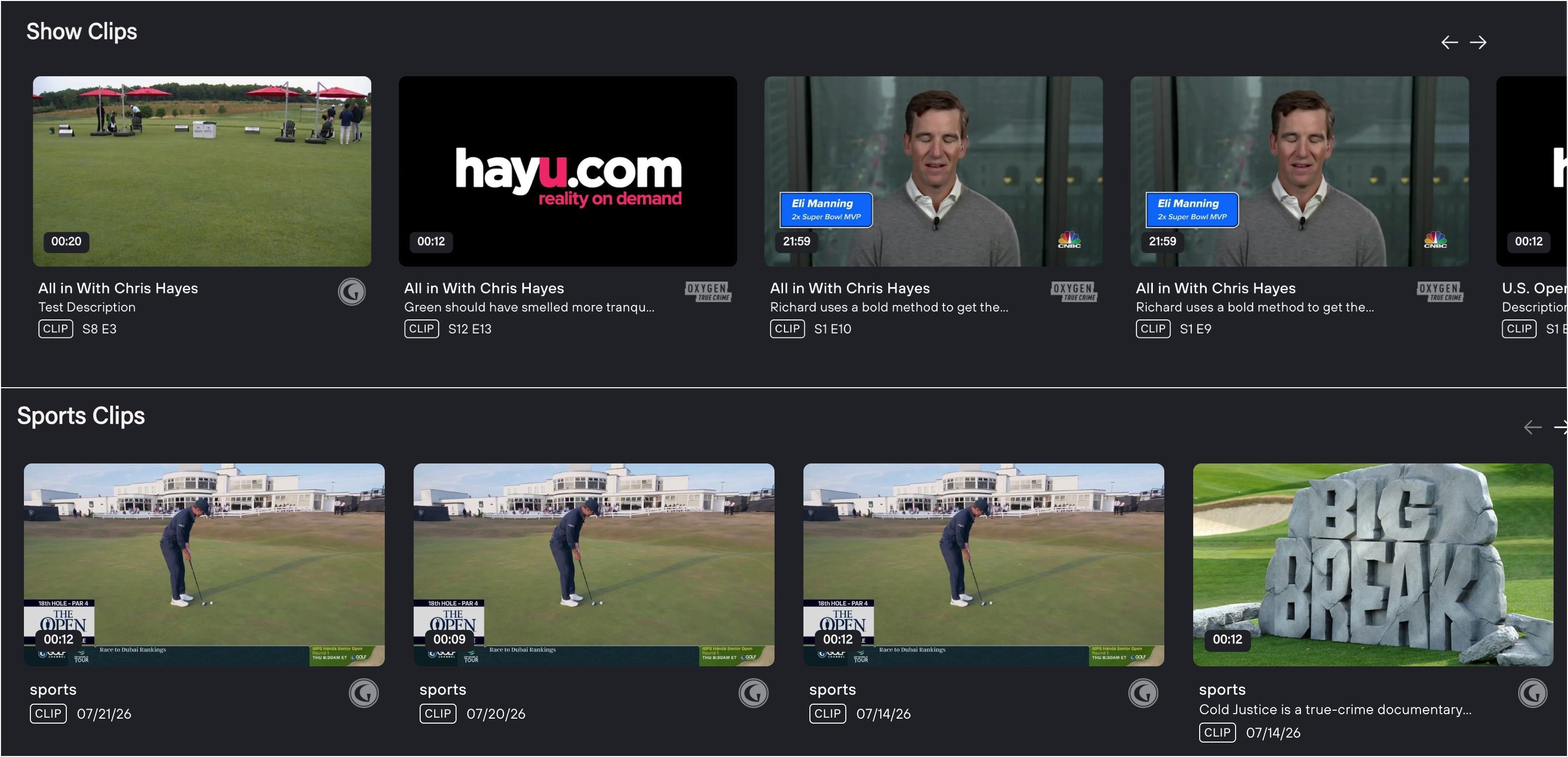
- Manual Selection: Clips can be searched and manually curated based on specific requirements. A "Clip" badge will be displayed next to the video title.
Tag-Based Filtering
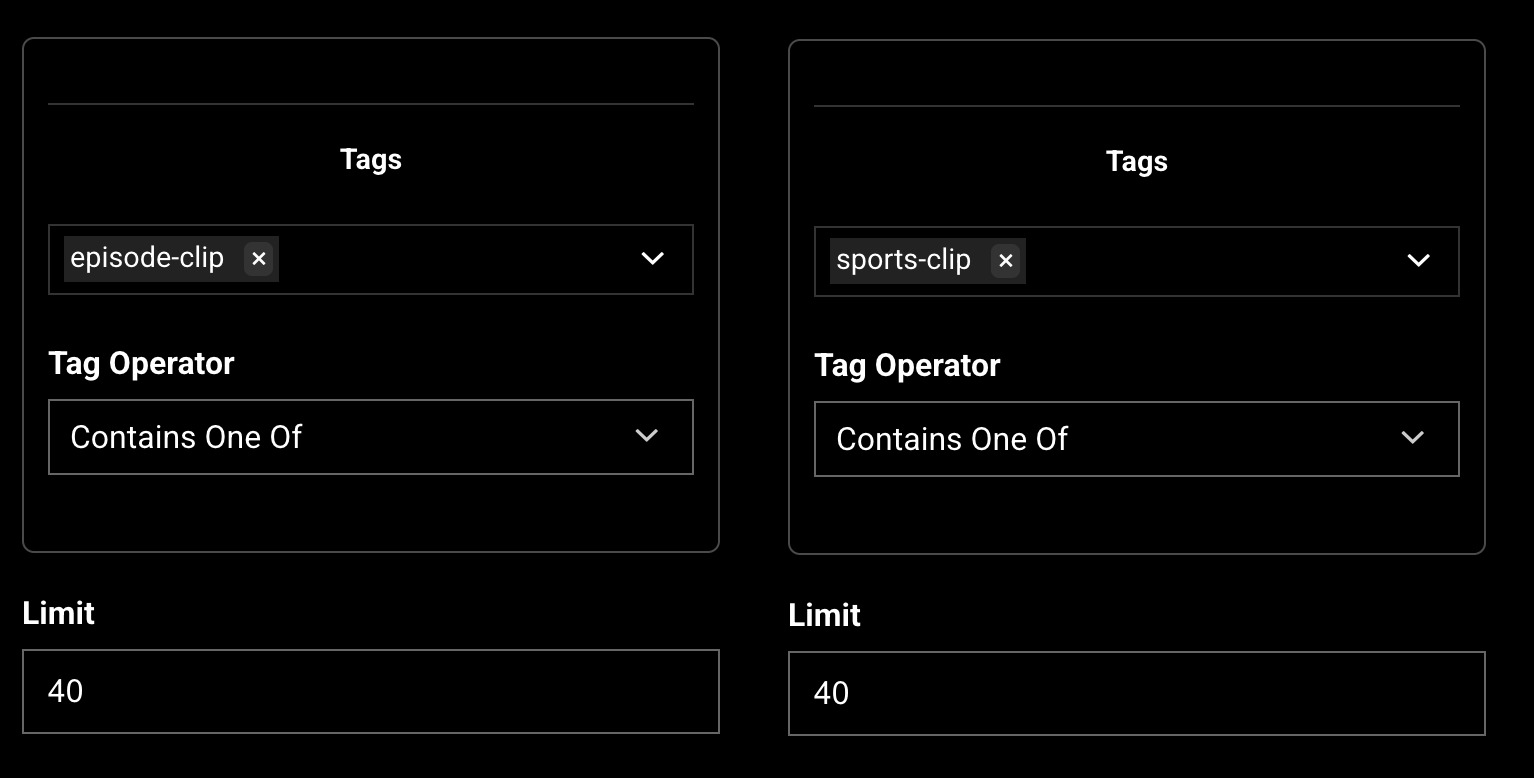
Two distinct tags have been introduced: episode-clip and sport-clip.
- To curate only series episodes, apply the "episode-clip" tag.
- To curate only sports content, apply the "sport-clip" tag.
- If no tags are specified, the tray will display a balanced mix of series and sports content.
- A limit can be applied to define the maximum number of items displayed in the tray.
Clip Settings
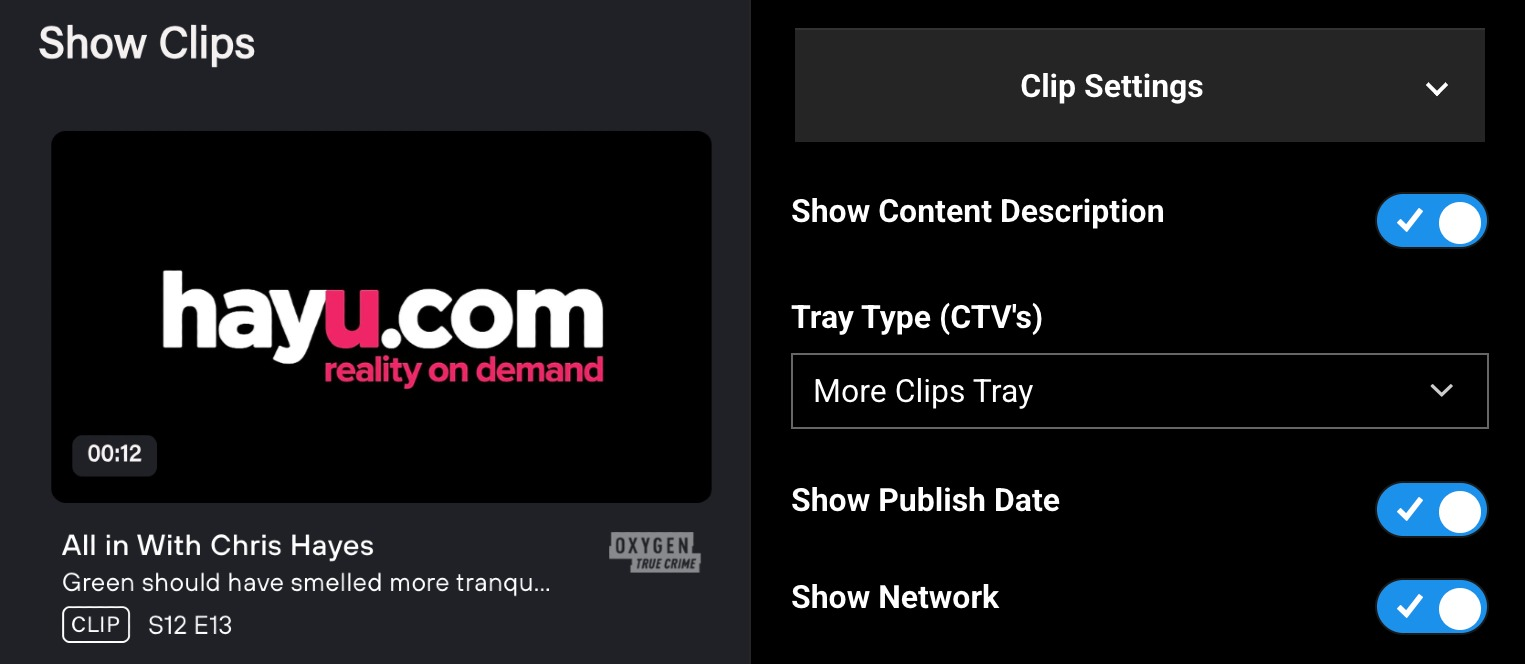
Several dynamic settings have been introduced:
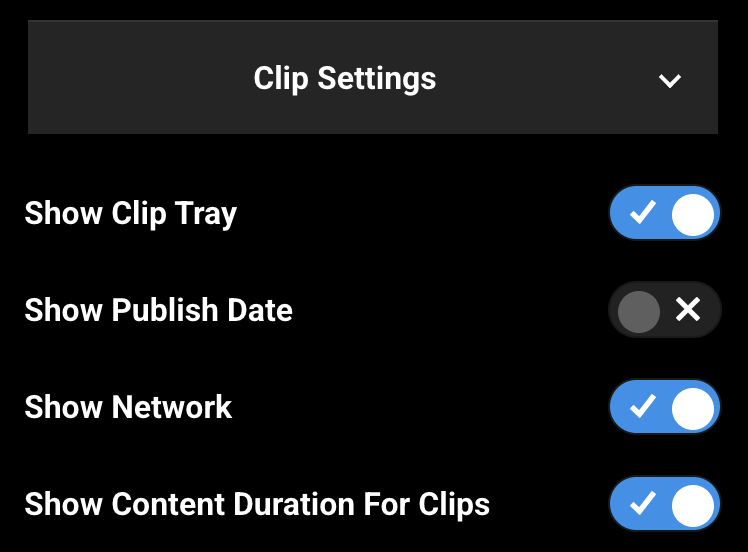
- Show Content Description: Toggle the visibility of the tray description.
- Show Publish Date: Toggle the visibility of the publication date (available for sports content only).
- Show Network: Toggle the visibility of the network image within the tray.
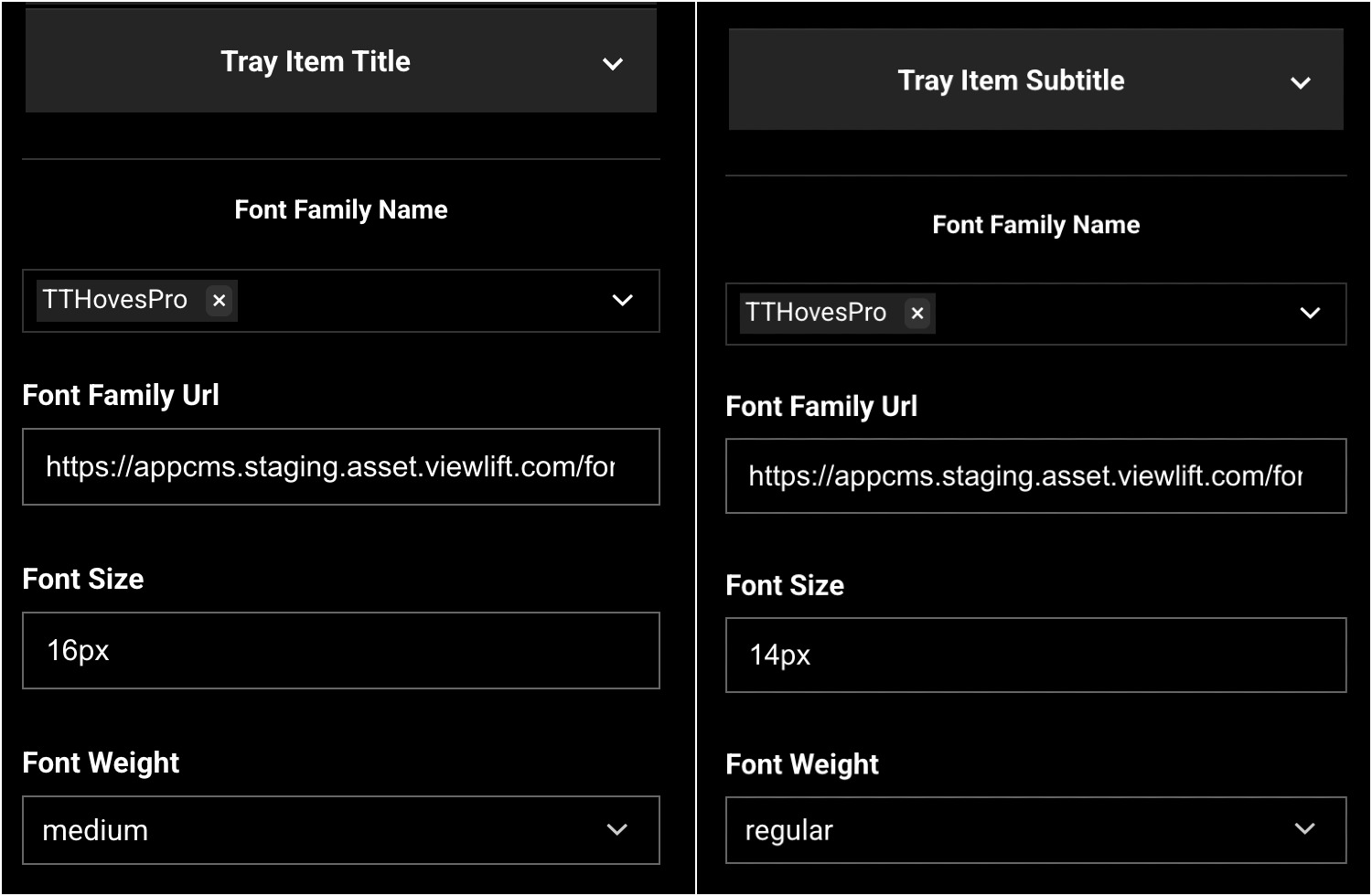
Font Settings
Customized font settings are now available for both titles and subtitles.
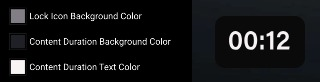
Color Settings
Customize the text and background colors for content duration.
After Complete Curation
Tray Curation (Video Detail Page)
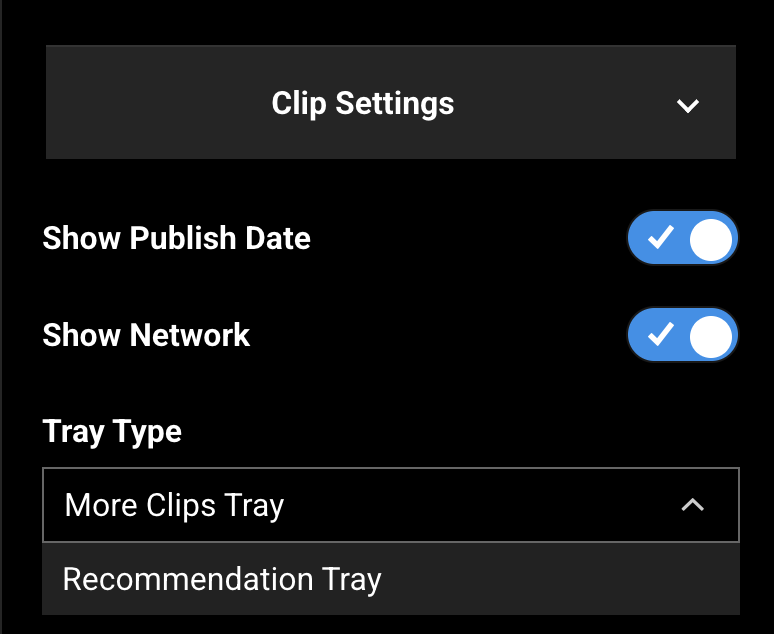
Tray Type
Two options are available:
- More Clips Tray: Displays clips related to the current video (series or sports).
- Recommended Tray: Displays related videos as configured in the CMS under the specific content.
The remaining settings are consistent with those of the VL Tray.
Labels and Brand Settings
- The "More clips" CTA text serves as the title for the clips tray.
- Brand settings are available for content duration display.

Tray Curation (Series Detail Page)
To enable the clips tray on a Series page, configure the following settings:
Show Clip Tray Toggle
Enable this setting to display clips associated with the series.
Localized Tray Title
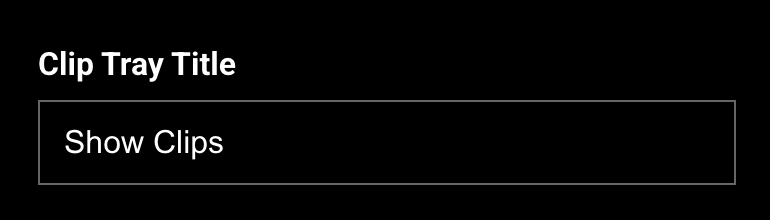
The tray title can be localized using the "Clip tray title" key found within the Labels section.
Additional Configurations
- The text for the "Clips" badge can be modified in the CMS via:
Generic messages > Others > Tray Badge Text input

- Dynamic Date Formats are supported for Sports content and publish dates on the Video Detail page.
AppCMS > Settings > Features > Tray Date Format

- Supported Date Formats